BMW ETK Installation Intructions
Note: You may or may not receive random prompts that require you to enter a password. On rare occassions, you may have to enter it more than once. If you are prompted for a password, you may enter "berlin56" or "denver78." Either one of these passwords will be sufficient.
*First of all, disable any virus scan programs that you may have on your computer-Be sure to disconnect from the internet before disabling your virus scan software!
*Do not ever close the command prompt box that opens. It needs to run in the background for installation and will close itself automatically at the end of installation.
1. Insert disk 1 and navigate to the disk.
2. Browse through the disk to SETUP.EXE and double click on it.
3. Chose your language and click next.
4. A welcome dialog box will now open-click next.
5. Now a Note dialog box will open-again, click next.
6. The next box to open will ask you to choose your destination location-click next or change the location to your preferred location and click next.
7. Another dialog box will open prompting you to select your program folder-again, click next, or choose your preferred location and click next.
8. The start copying files dialog box will open-click next
a. Setup is now copying files to your computer.
b. At this point, a command prompt box will open-do not close it.
9. Shortly, a port selection box will open. Only adjust the ports if you know what you are doing, otherwise, just click OK.
10. (Might be different for different countries) Now a properties dialog box will open. Leave the type-in fields blank, but click on the box that says “use U.S. Interface,” then click OK.
11. Now you will be prompted to select your market variation. It is recommended that you select Europe so that all available options will be displayed as many options were not available in the United States. Click OK
12. Now you are prompted to select your installation type. Select “no data migration,” and click OK.
13. The next prompt asks you to create a new company. This is for administration purposes only, but must be completed in order to continue. To complete the fields, enter any company name (i.e. home, work, name, etc.). Now enter an associate ID - In the blank type "1458329" (without quotes).
After you have entered a company name and the associate ID, click save. After successful saving, click OK.
14. This will open a dialog box stating that the procedure has been completed successfully-click exit.
15. Now you need to select your CD-ROM drive. In order to do this, scroll down to the “My Computer” folder and expand it by clicking on the “+”.Now click once on your CD-ROM drive to highlight it and click OK to start loading the parts database.
16. This may take a minute or two, but when you are prompted to, insert Disk 2 and click OK after the drive is ready. If an explorer window opens, you may ignore it, or close it by clicking on the “X”.
17. Now, you will see a notice that the “parts data have been read in successfully”. Click OK.
18. You will be notified that the installation is complete. Click OK.
a. The command prompt will close automatically. After it closes, the installation is complete.
*To run the program, open ETK (local). The first time will take a few minutes, but after that, the program will open more quickly






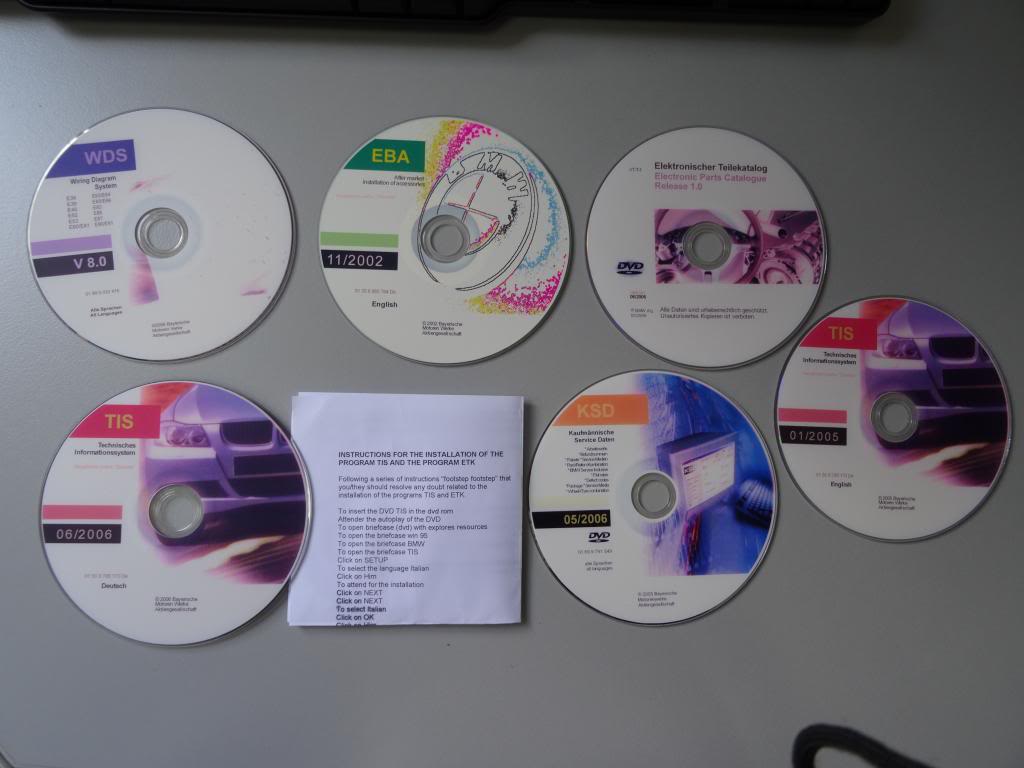
 Tis Wds Eba Etk installation
και παλι ) τα οποια σε συνδυασμο με το ανυσηχο πνευμα του μαστροχαλαστη που κρυβω μεσα μου ........ειναι ολα τα λεφτα!


 Απάντηση με παράθεση
 EBA και WDS δεν παίζουν? Εγώ με win8.1 pro 64bit παίζουν μια χαρά τα συγκεκριμένα...
 Αρχικό μήνυμα απο Dermatis